Annerys Diaz
Sales & demos
Pricing, demos and questions before you buy.

Medical image and video capture
One application to manage patients and capture images and video from your existing equipment. Easy to use from day one.
Questions? Talk to sales (WhatsApp) (opens in a new tab)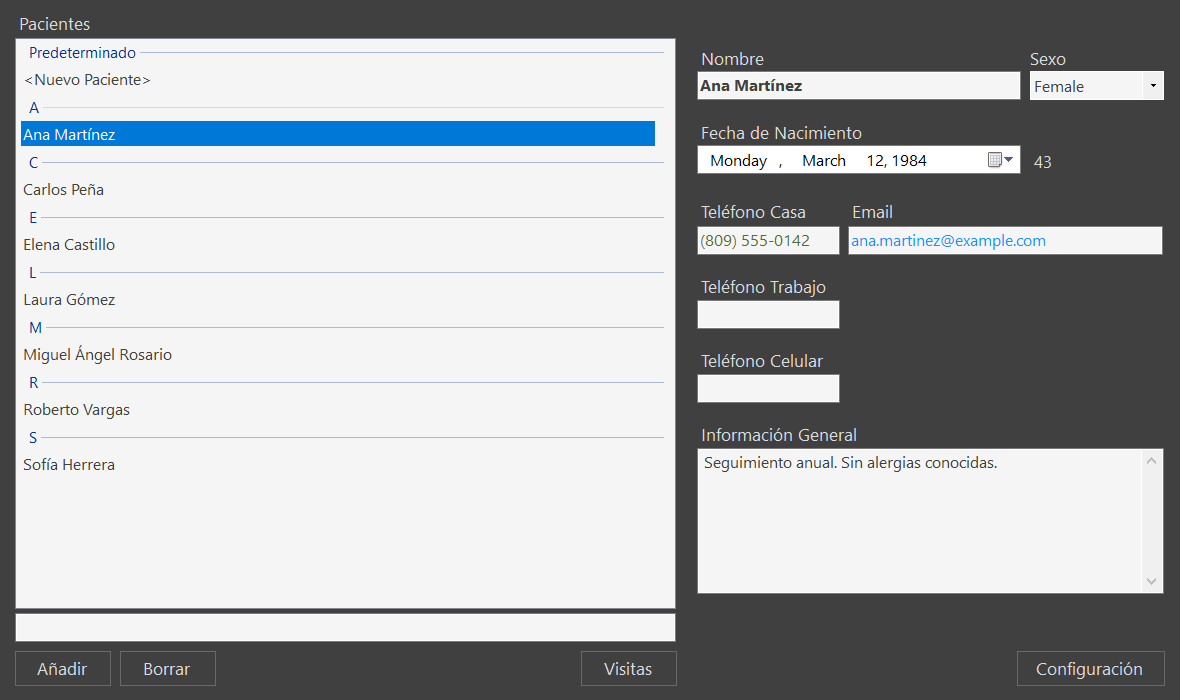
01How it works
Images and video in one click.
Each capture files itself under the patient's visit.
Email, print, USB or CD/DVD.
02Features
Records, visit history and notes for every patient.
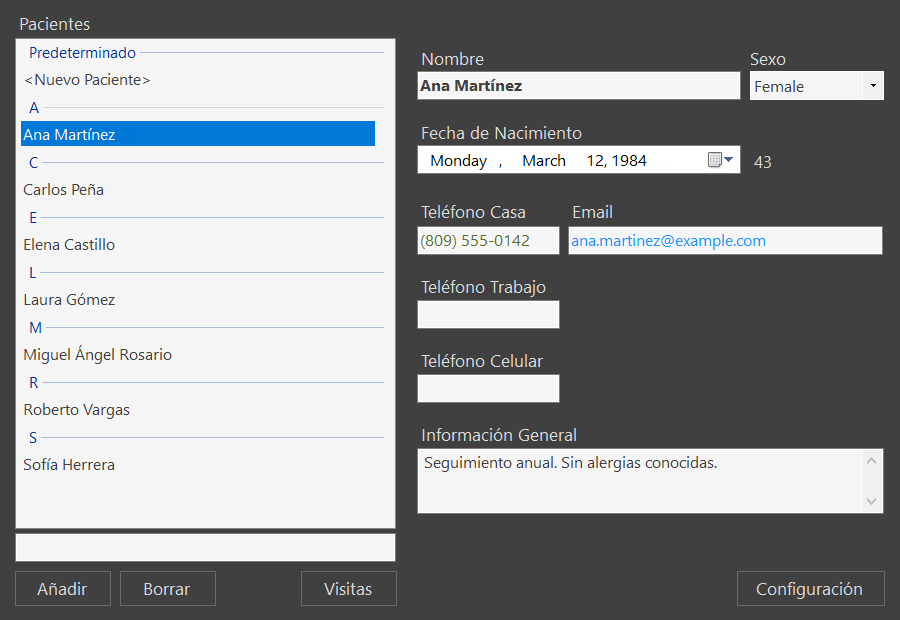
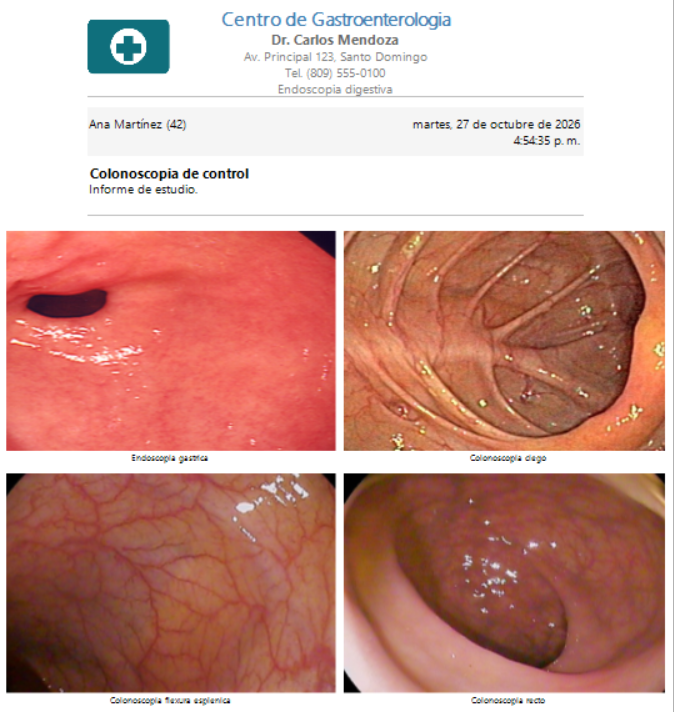
Images and videos sorted by visit, easy to look up.
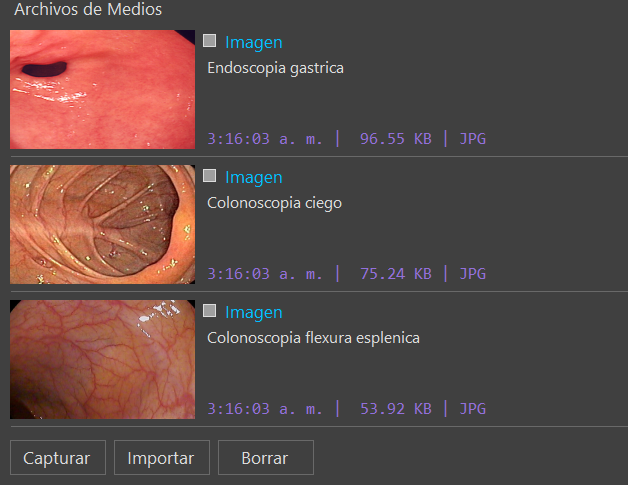
Nothing extra to install or configure.
Data, images and videos are stored encrypted.
Send captures to ask for a second opinion.
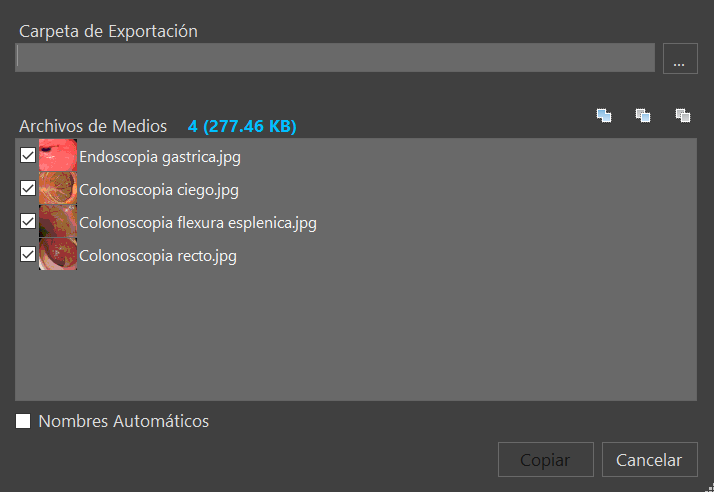
Print in 1 to 4 columns.
03Tutorial
From the patient record to sharing your captures.
04Requirements
05Installation & support
We set up VidCap and the capture device at your practice.
Direct help by WhatsApp, phone or email.
Improvements and help over the internet.
06Contact
Message us on WhatsApp and we will show you VidCap.
Talk to a person
Sales & demos
Pricing, demos and questions before you buy.
Installation & technical support
Installs VidCap at your practice and helps whenever you need it.